MetaTrader 5 Multi-Asset Trading Platform
MetaTrader 5 is a multi-asset trading platform for broker-supported forex, stocks, futures and other markets, with Market Depth, charts, orders and account tools in one terminal.
The desktop platform includes 21 timeframes, 38 built-in technical indicators, 44 analytical objects, financial news, an Economic Calendar and the MQL5 development environment.
MT5 also supports netting and hedging accounts, six pending order types, Expert Advisors and Strategy Tester, while actual instruments, prices and trading conditions come from the connected broker server.
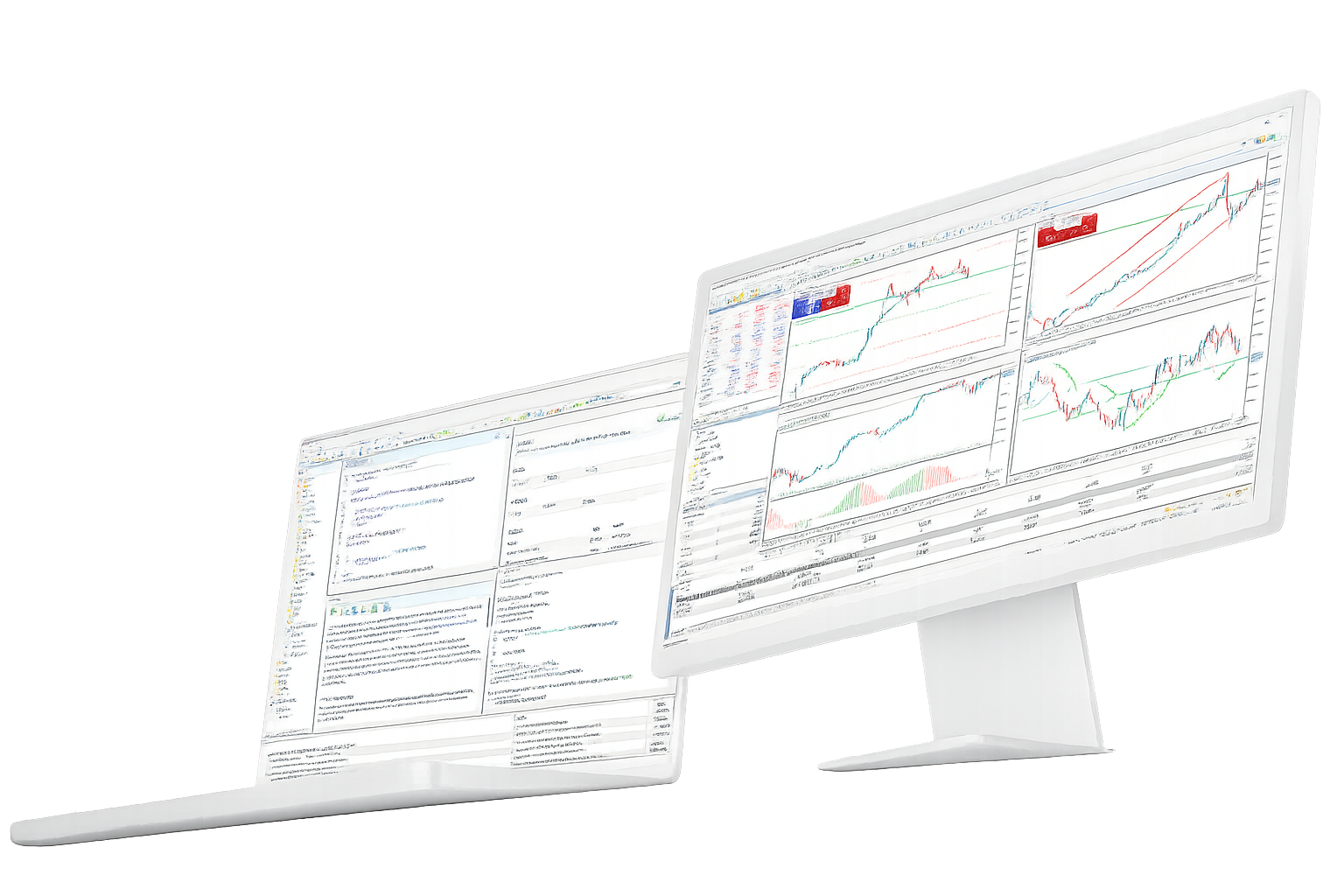
MetaTrader 5 trading and analysis features
The core MT5 feature set covers order execution, technical and fundamental analysis, algorithmic trading, signals and account access across desktop, web and mobile terminals.
Trading system, Market Depth and positions
- Supports market orders, six pending order types, Stop Loss, Take Profit and Trailing Stop
- Supports both netting and hedging position-accounting systems, depending on the broker account
- Market Depth provides bid and ask levels and can also be used as an order-entry interface
21 timeframes and technical analysis
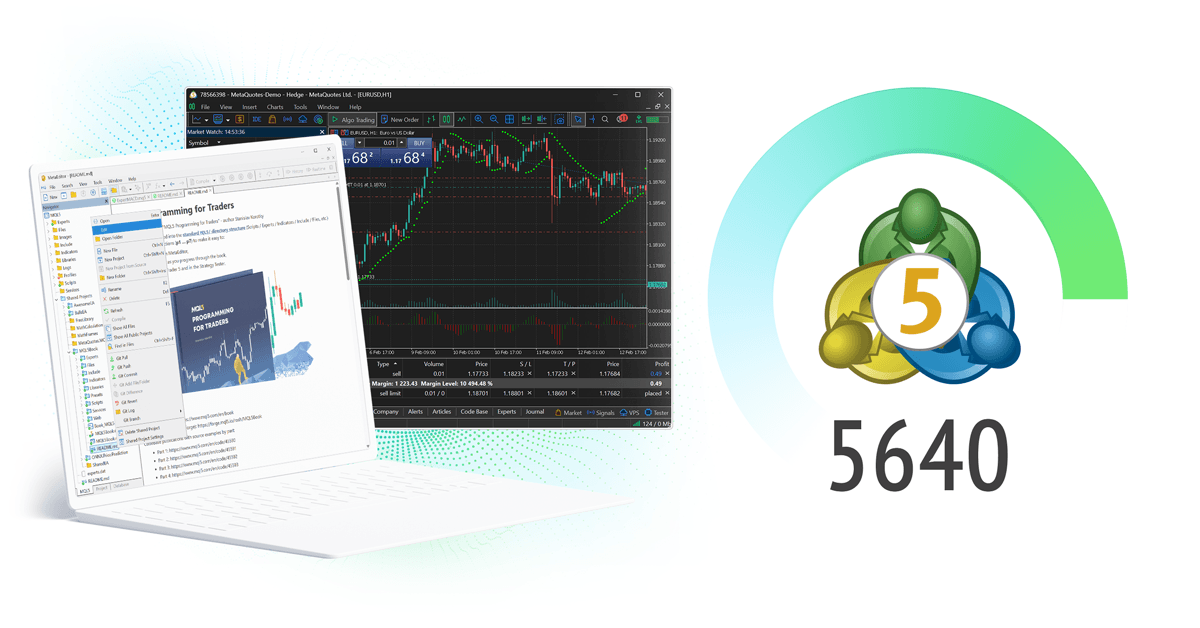
- Includes 21 chart timeframes from short-term intervals to monthly views
- Provides 38 built-in technical indicators plus support for custom MQL5 indicators
- Includes 44 analytical objects for trend lines, channels, Fibonacci tools, shapes and other chart studies
Financial news and Economic Calendar
- Financial news can provide context for market-moving economic, company and policy events
- The Economic Calendar includes macroeconomic releases, timing, forecast values and previous data
- Fundamental information can support market analysis but does not guarantee a trading outcome
MQL5, MetaEditor and Strategy Tester
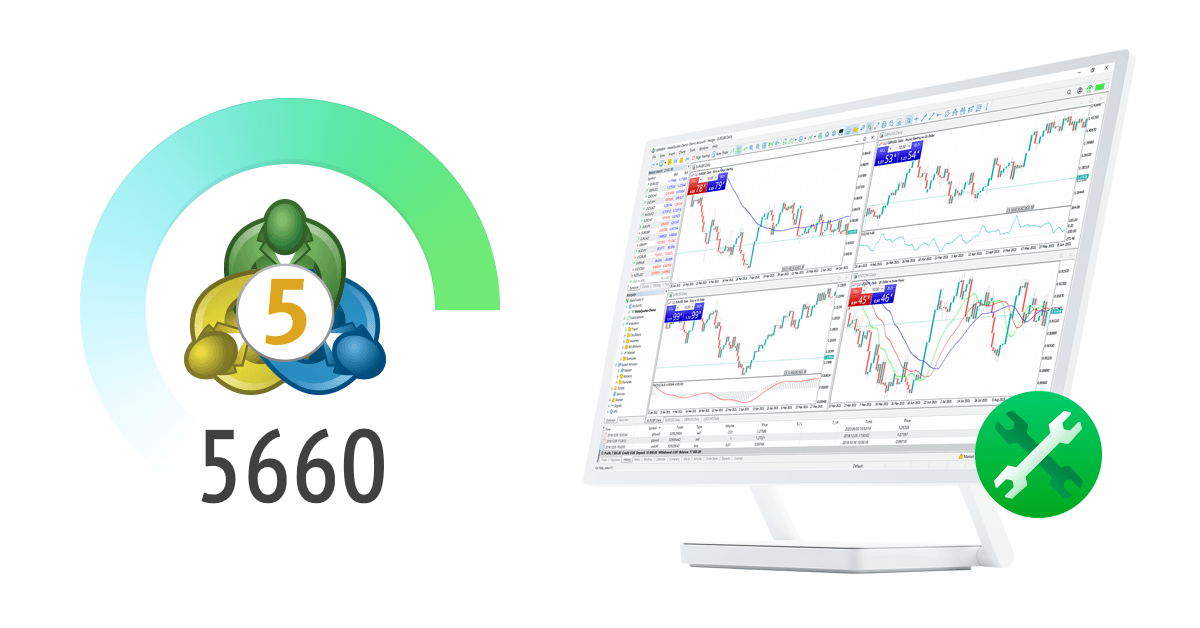
- MQL5 is used to build Expert Advisors, custom indicators, scripts and other trading applications
- MetaEditor provides the coding and debugging environment for MQL5 development
- Strategy Tester supports multi-threaded, multi-currency testing, optimization and forward testing

Signals and the MQL5 service ecosystem
- Signals can copy a provider’s trading operations after subscription and account configuration
- MQL5.community provides documentation, Code Base, Market, articles and Freelance services
- Third-party EAs and signal results still depend on strategy logic, account conditions and market behavior
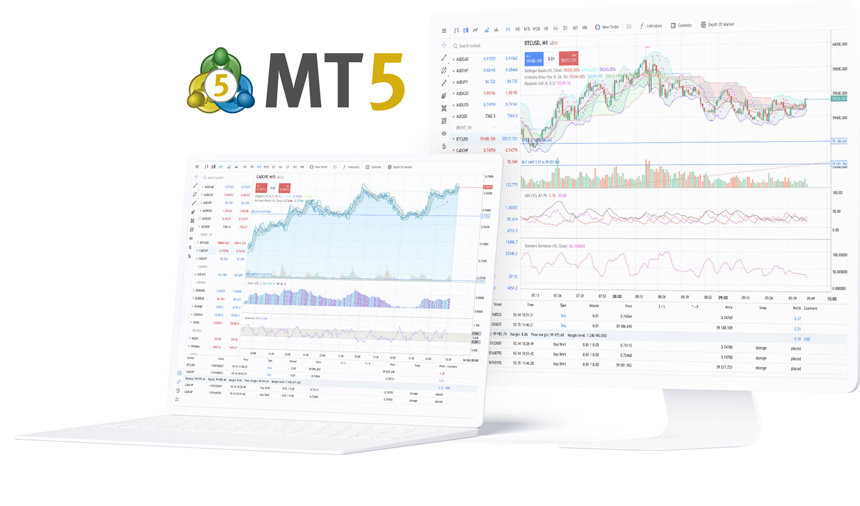
Desktop, WebTerminal and mobile
- Desktop provides the full charting, MQL5, Expert Advisor and Strategy Tester environment
- WebTerminal runs in a browser and supports quotes, charts, Market Depth and trading without a desktop install
- iPhone, iPad and Android apps support mobile quotes, charts, Market Depth, orders and position monitoring
MetaTrader 5 platform FAQ
Direct answers about MT5 markets, order types, charting tools and the differences between desktop, WebTerminal and mobile.