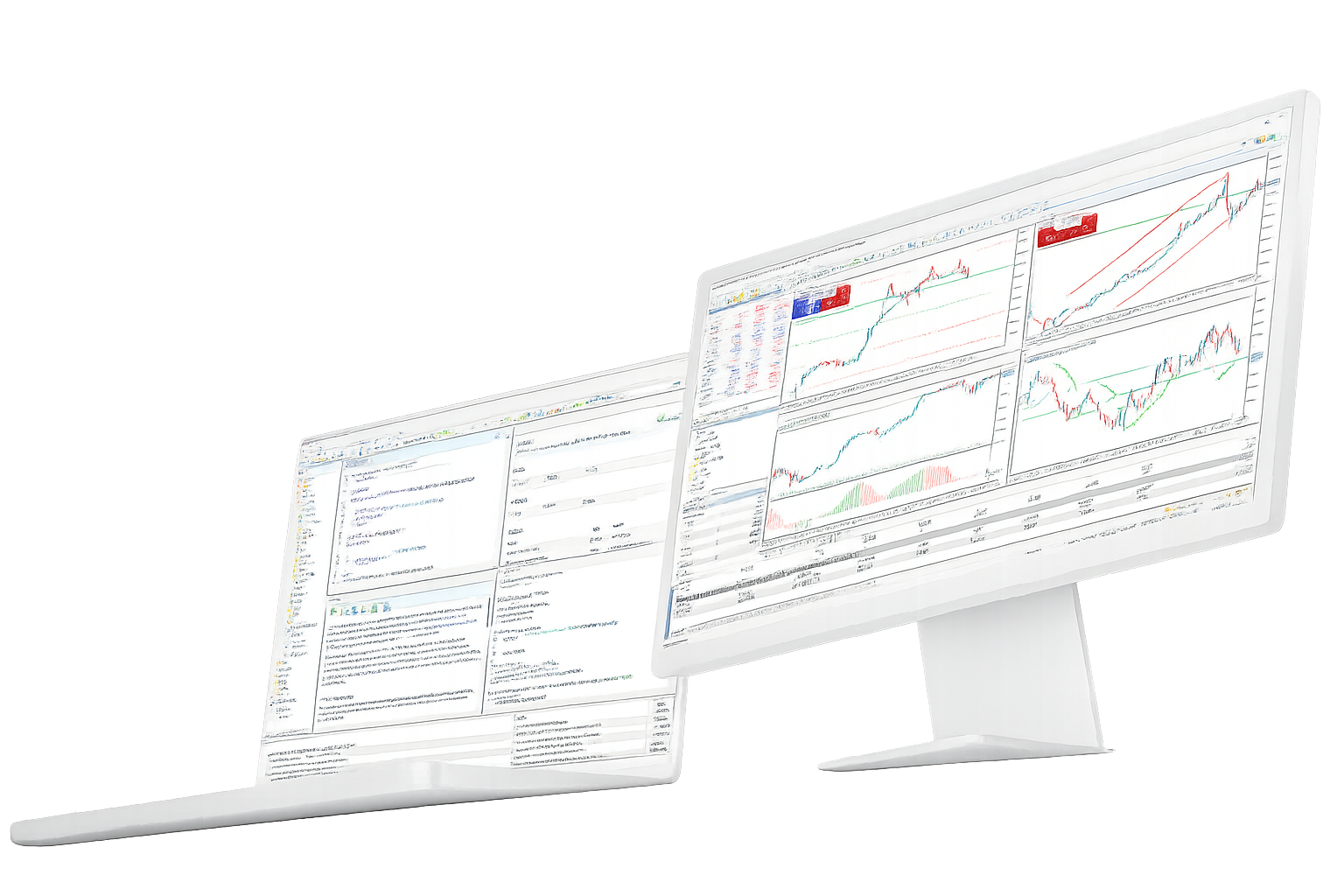
MetaTrader 5 Multi Asset Trading Platform

Trade broker-supported forex, stocks, futures and other markets from MetaTrader 5 on desktop, web and mobile.

Use Market Depth, advanced charts, technical and fundamental analysis, netting or hedging accounts, and MQL5 tools in the same trading environment. Instruments, prices and trading conditions come from the broker server connected to your account.

What you can do in MetaTrader 5

The platform covers the core trading workflow: find a market, analyze it, place and manage orders, then automate or test strategies when needed.

Trade multiple asset classes

Forex / Stocks / Futures
MetaTrader 5 can connect to forex, stock, futures and other markets offered by a broker.
The account server determines which symbols are available and supplies the live prices used in the terminal.
Spreads, commissions, leverage, trading hours and permissions therefore vary by broker and account.
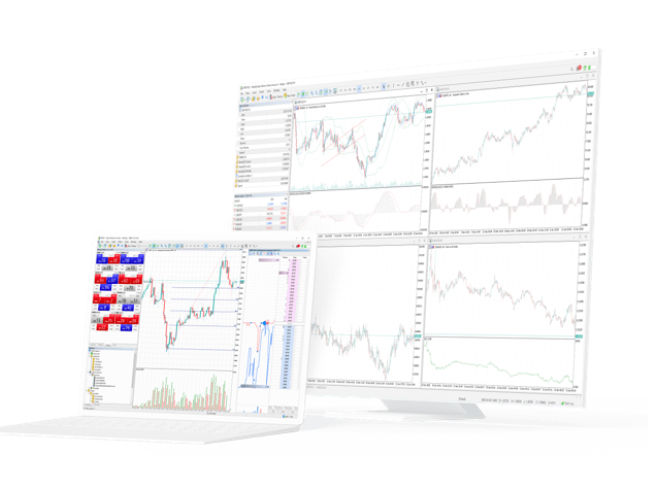
Charts and technical analysis
21 Timeframes / 38 Indicators / 44 Objects
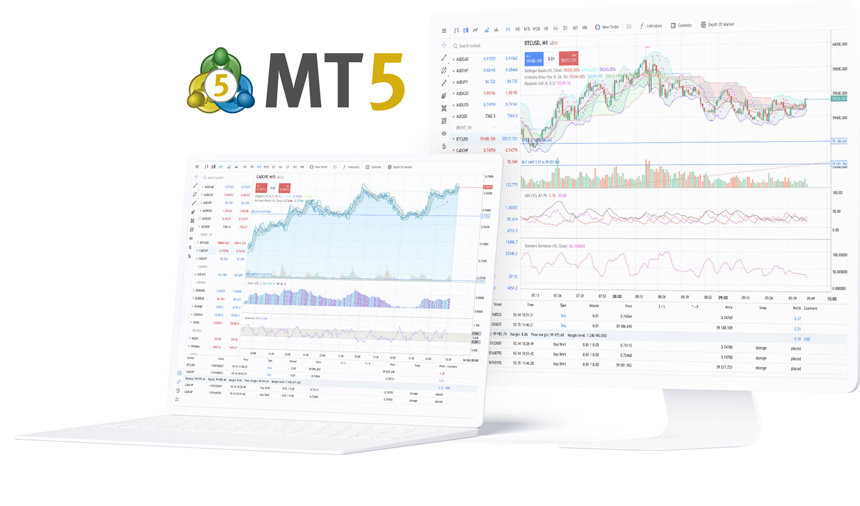
Desktop MT5 includes 21 chart timeframes, 38 built-in technical indicators and 44 analytical objects.
You can keep several charts open, save templates and add custom indicators when the built-in tools are not enough.
The same chart workspace can be used for market review, order preparation and post-trade analysis.

Orders, Market Depth and positions

6 Pending Orders / Netting / Hedging
Market Depth and the order window give you direct access to broker-supported markets and current account conditions.
MT5 supports market orders, six pending order types, Stop Loss, Take Profit and Trailing Stop.
Accounts can use netting or hedging position accounting, depending on the broker and account setup.

Economic Calendar and market news

Fundamental Analysis
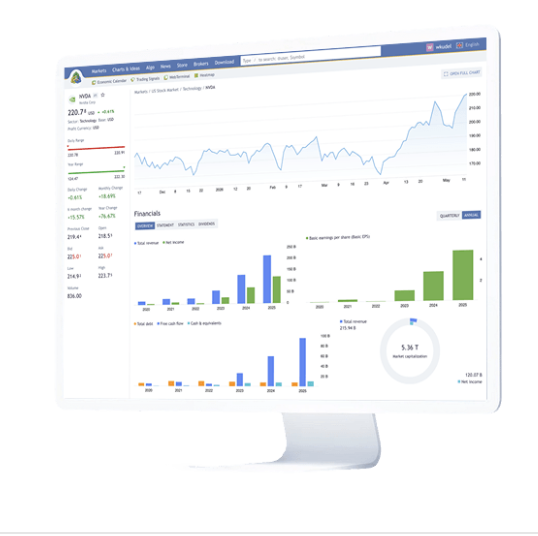
The platform adds economic context to price charts through financial news and an integrated Economic Calendar.
Review scheduled releases, previous values and market expectations without leaving the trading terminal.
These tools provide context for market moves; they are not trading recommendations or profit signals.

MQL5 and automated trading

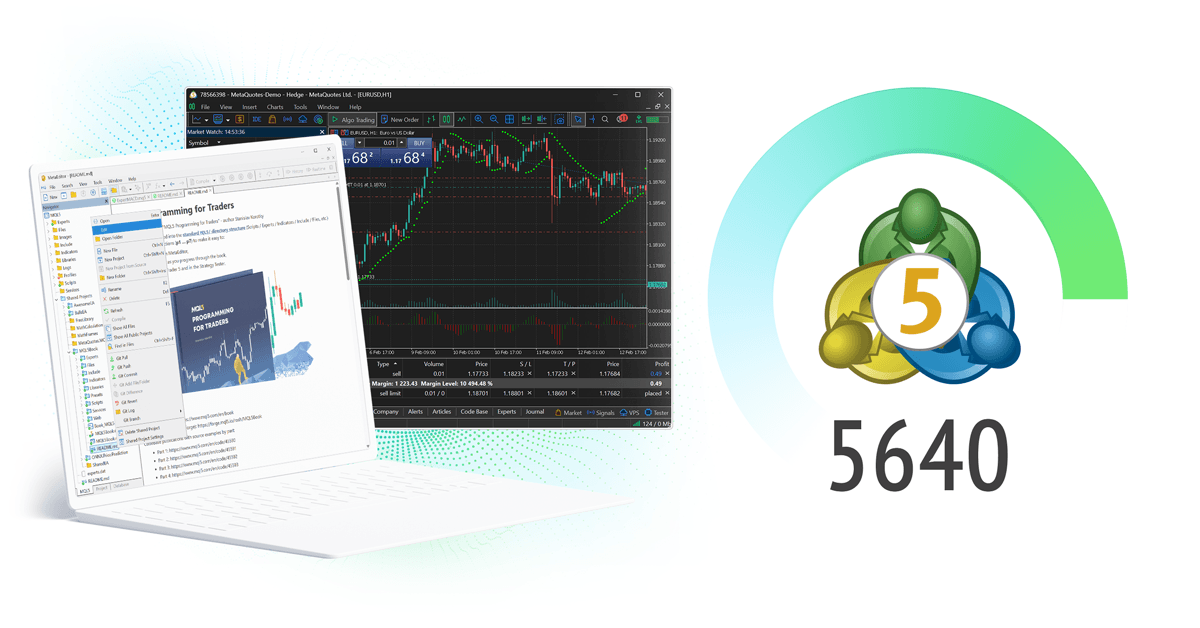
Expert Advisors / MetaEditor / Strategy Tester
MQL5 is used to build Expert Advisors, indicators, scripts and other trading programs for the desktop platform.
MetaEditor provides the coding environment, while Strategy Tester handles backtesting, optimization and forward testing.
Live performance can still differ from test results because market and account conditions change.

Desktop, WebTerminal and mobile

Desktop / Web / iOS / Android
Desktop is the full environment for charting, MQL5 programs and Strategy Tester.
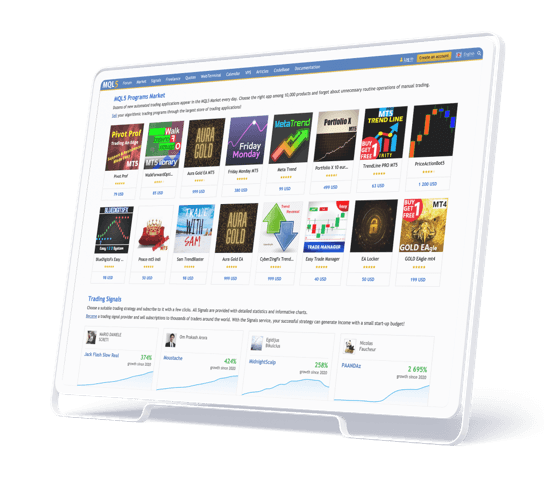
WebTerminal gives browser access without a local desktop install, while iPhone, iPad and Android apps cover quotes, charts, Market Depth, orders and positions.
Signals, MetaTrader Market, MQL5.community and VPS extend the platform beyond the core terminal.

The wider MetaTrader 5 ecosystem

MetaTrader 5 sits inside a broader MetaQuotes product and developer ecosystem used by traders, developers and brokerage businesses.

MetaTrader 5

Trading technology for brokers

  • Multi-asset broker infrastructure
  • Servers, gateways, APIs and operational tools
FINTEZA

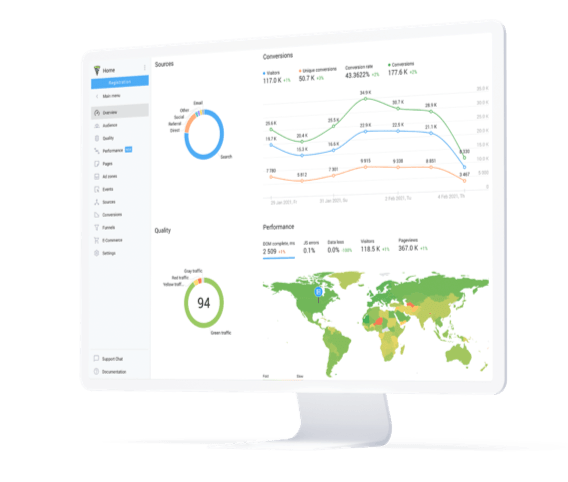
Finteza analytics

  • Website and campaign analytics
  • Traffic quality and conversion tracking
  • Sales funnel analysis
MetaTrader.com

MetaTrader.com market data and analysis

  • Live and historical market data
  • Trading ideas and market analysis
  • Financial news and economic events
MQL5

MQL5.community for traders and developers

MQL5.community provides documentation, technical articles, forums, Code Base, Market, Signals and Freelance services for MetaTrader users and MQL5 developers.

Latest MetaTrader 5 and MetaQuotes updates

Recent platform releases and MetaQuotes ecosystem updates, including broker automation, AI features and trading infrastructure.

MetaTrader.com market information platform update

MetaQuotes discusses how MetaTrader 5 is evolving beyond a trading terminal

In a September 1 interview from iFX EXPO International 2026, Dr. Ayshan M. Abdullah discussed MetaTrader 5 as a broader multi-asset technology ecosystem for brokerage businesses.

MetaTrader 5 broker evolution interview

Java Global Futures moves recurring dealing tasks to MetaTrader 5 Automations

The Indonesia-based broker says it now uses predefined automation rules for scheduled dealing operations, reducing manual work and improving consistency.

MetaTrader 5 Build 6090 platform update

MetaQuotes brings AI, liquidity and automation tools to the African Fintech Summit

MetaQuotes is presenting MetaTrader 5 AI Assistant and MCP features, Ultency liquidity technology, Automations and MetaTrader.com at the September 2026 event in Casablanca.

MetaQuotes long-term technology partnership interview

Dominion Markets highlights MetaTrader 5 broker and IB infrastructure

Raja Rakeel Zahoor discussed broker automation, Ultency, mobile platform development and the MetaTrader 5 infrastructure used to support introducing-broker and affiliate networks.

MetaTrader 5 Build 6060 MCP and agentic AI update

MetaTrader 5 Build 6140 expands AI Assistant and WebTerminal features

The August 20 release added more LLM providers for AI Assistant, improved MCP tools and introduced several WebTerminal chart and Market Depth fixes.

What MetaTrader 5 users say on the App Store

Selected public App Store feedback from MT5 users, including praise for trading and mobile access as well as requests for better chart controls and interface improvements.

MetaTrader 5 App Store review by TurnTrap

TurnTrap

Making Dreams Come True | App Store

Likes the responsive app and depth of features, especially on desktop, but would like more chart customization and a more modern-looking interface.

MetaTrader 5 App Store review by qanisi

qanisi

Improvement and Attraction | App Store

Uses MT5 for trading but finds chart marking and free chart movement more limited than TradingView, and would like stronger drawing and replay tools.

MetaTrader 5 App Store review by MrAsGun

MrAsGun

Reliable & Powerful Trading Platform | App Store

Highlights fast performance, stability, technical-analysis tools, customizable charts and the convenience of trading from the mobile app.

MetaTrader 5 App Store review by Kesa hm

Kesa hm

Great app but slight problem | App Store

Rates the app positively but notes that an older iPad can no longer run the required iOS version, raising a device-compatibility concern.

MetaTrader 5 App Store review by Kamilas.P

Kamilas.P

About the app | App Store

Reports a generally smooth experience but says setup can be difficult for new traders and asks for easier ways to apply chart settings across symbols.

MetaTrader 5 App Store review by DhaniAA

DhaniAA

SL & TP | App Store

Would like the order ticket to show potential profit and loss while setting Stop Loss and Take Profit before opening a trade.

MetaTrader 5 FAQ

Quick answers about supported markets, MT5 versus MT4, charting, Market Depth, MQL5, broker accounts and terminal choices.

What is MetaTrader 5?
MetaTrader 5 is a multi-asset trading platform developed by MetaQuotes. It supports broker-provided forex, stock, futures and other markets, with charts, Market Depth, orders, technical and fundamental analysis, MQL5 automation and Strategy Tester.
Which markets can I trade in MetaTrader 5?
That depends on the broker account. MT5 supports forex, futures, stocks, bonds and options as market types, but the actual symbols, prices, fees, leverage and trading hours come from the connected broker server.
How is MetaTrader 5 different from MetaTrader 4?
MT5 was built for broader multi-asset and exchange-trading workflows. It adds Market Depth, six pending order types, 21 chart timeframes, an Economic Calendar, netting and hedging, and a multi-threaded, multi-currency Strategy Tester.
How many timeframes and indicators are in MetaTrader 5?
The desktop platform includes 21 timeframes, 38 built-in technical indicators and 44 analytical objects. Custom indicators can be added through MQL5.
Does MetaTrader 5 support Expert Advisors?
Yes. MQL5, MetaEditor and Strategy Tester are used to create, debug, backtest, optimize and run Expert Advisors, indicators and scripts on the desktop platform.

How traders use MetaTrader 5

Different tasks use different parts of the platform, from discretionary trading and market analysis to MQL5 development and cross-device account access.

The desktop platform handles the deepest analysis and automation work, while WebTerminal and mobile apps extend access when you are away from the main workstation.
Multi-asset order execution workflow icon

Trading and position management

Market Depth, orders and positions

Use Market Watch, charts, Market Depth and order windows to trade broker-supported markets and manage netting or hedging positions from the same account.

Desktop / Web
Technical and fundamental market analysis workflow icon

Technical and fundamental analysis

Charts, indicators and economic events

Review multiple timeframes, indicators and analytical objects, then add context from financial news and the Economic Calendar.

Desktop-first
MQL5 Expert Advisor development workflow icon

MQL5 development and testing

Expert Advisors, backtests and optimization

Build MQL5 programs in MetaEditor, then use Strategy Tester for backtesting, parameter optimization and forward testing before live evaluation.

Desktop / VPS
Cross-device MetaTrader 5 account access workflow icon

Trading away from the desktop

Desktop, WebTerminal and mobile

Use the desktop terminal for full workflows, then connect the same broker account through WebTerminal or mobile apps for quotes, charts, orders and positions.

Desktop / Web / Mobile

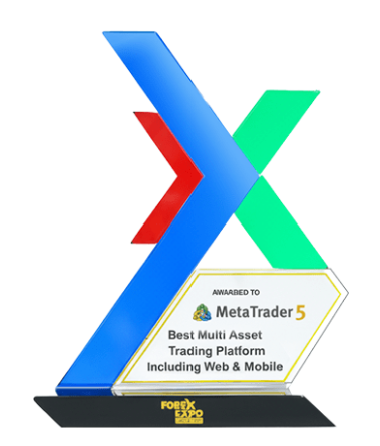
MetaTrader 5 multi-asset platform awards

MetaQuotes lists repeated industry awards for MetaTrader 5 in multi-asset platform categories. These awards recognize the software and do not indicate investment performance or trading results.

MetaQuotes

Best Multi-Asset Trading Platform Including Web & Mobile

2025, 2024, 2023, 2022, 2021, 2020

MetaTrader 5 multi-asset trading platform X award trophy
MetaTrader 5

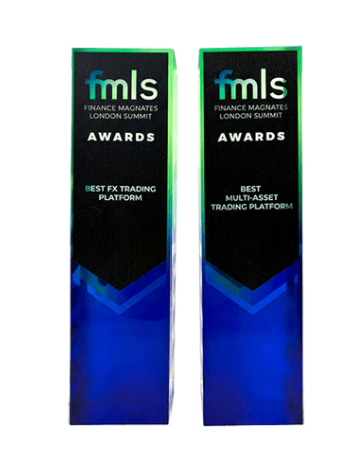
Best Multi-Asset Trading Platform

2025, 2024, 2023, 2022, 2019, 2017

MetaTrader 5 FMLS multi-asset trading platform awards
DOWNLOAD METATRADER 5

Choose a MetaTrader 5 version for your device

Compare Windows, macOS, Linux, WebTerminal, iPhone, iPad and Android access, then continue to installation and account login.