MetaTrader 5 FAQ
Find direct answers to common MetaTrader 5 questions about downloads, broker login, server selection, missing quotes, Market Depth, orders, Expert Advisors, Strategy Tester, Signals and VPS.
The questions are grouped by task so you can move from installation to account connection and then to trading or automation problems.
MetaTrader 5 provides the terminal and trading tools; live symbols, prices, leverage, permissions and execution conditions come from the broker account and server you connect.
MetaTrader 5 download and installation questions
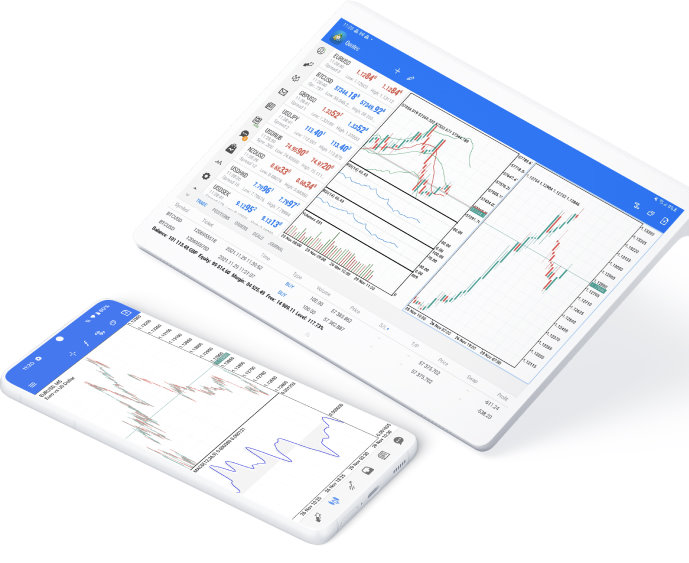
Choose the right MT5 version, understand Linux and WebTerminal, and see what desktop and mobile apps are built to do.
Which MetaTrader 5 version should I download?
How do I install MetaTrader 5 on Linux?
Do I need to install MetaTrader 5 WebTerminal?
Can I trade from the MetaTrader 5 mobile app?
Can Windows and Mac MT5 run Expert Advisors and Strategy Tester?
MetaTrader 5 login, server and quote problems
Troubleshoot account credentials, broker server selection, failed login, missing quotes and investor-password access.
What login details do I need for MetaTrader 5?
Where do I find my MetaTrader 5 broker server?
Why can’t I log in to MetaTrader 5?
Why are quotes or symbols missing after I log in?
Can I trade with an investor password in MetaTrader 5?
Trading system, Expert Advisor and Strategy Tester questions
Answers about supported markets, Market Depth, six pending orders, netting and hedging, rejected orders, EAs, Signals and VPS.
Which markets can MetaTrader 5 trade?
What is the difference between netting and hedging in MT5?
What is Market Depth in MetaTrader 5?
What are the six pending order types in MetaTrader 5?
Why is my MetaTrader 5 order rejected?
Download MetaTrader 5 or learn about the company
Use the download page for Windows, macOS, Linux, WebTerminal and mobile versions, or read About MetaTrader 5 for the MetaQuotes and product-history background.