MetaTrader 5 Forex Trading
MetaTrader 5 can be used to trade broker-supported forex pairs, follow Bid and Ask prices, analyze charts, place orders and manage open positions.
The main forex variables are the currency pair, spread, pip value, trading session, leverage, margin, order type and whether the account uses netting or hedging.
MT5 also provides Market Depth, six pending order types, Stop Loss, Take Profit and Trailing Stop for supported instruments.
Available pairs, prices, spreads, leverage, trading hours and execution rules come from the broker server and account used at login.
Forex currency pairs, quotes and broker conditions
Start with the currency pair and its Bid/Ask quote, then check the account-specific spread, contract terms, leverage and trading session before placing an order.
Major pairs, cross pairs and Bid/Ask quotes
- Major pairs commonly include EUR/USD, GBP/USD, USD/JPY, USD/CHF, AUD/USD and USD/CAD
- Cross pairs such as EUR/GBP, EUR/JPY or GBP/JPY do not include the US dollar
- Bid and Ask prices can move independently as liquidity and market conditions change

Your broker account sets the actual forex conditions
- Market Watch loads the currency pairs, symbol suffixes and prices available to the account
- Spread, leverage, margin, minimum volume, trading hours and execution mode can vary by symbol and account
- Demo trading can help you learn MT5 order and margin behavior, but live execution conditions may be different
Forex quotes, charts, orders and Market Depth
MT5 combines real-time forex quotes, technical analysis, order entry and position management in the same trading terminal.
Bid, Ask and spread
- Use Market Watch to compare the current Bid and Ask for the currency pair you want to trade.
- The spread is the difference between Ask and Bid and can widen during volatile or less liquid periods.
- Before sending an order, check the current price, spread, trade volume and available margin.
- Fast markets can produce a different execution price depending on the broker, liquidity and execution mode.
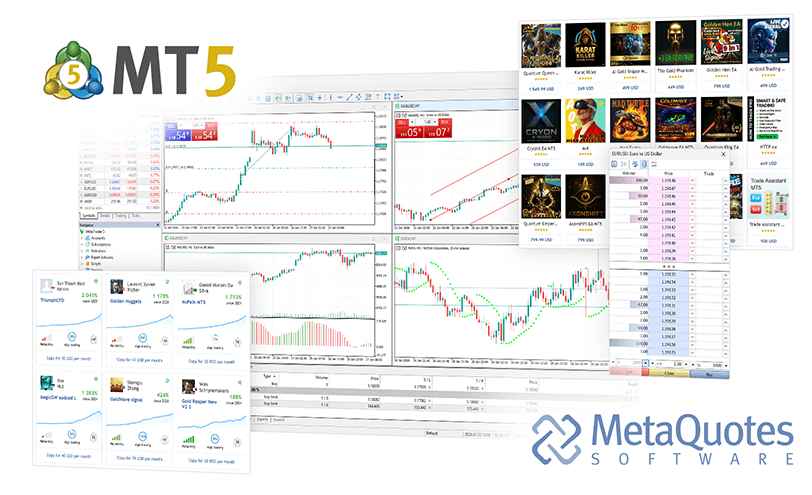
Forex charts and technical analysis
- Compare shorter and longer chart timeframes to place current price movement in a wider context.
- Use indicators, trend lines and other analytical objects to study price behavior.
- Technical analysis can organize a trading process, but it cannot guarantee a future market outcome.
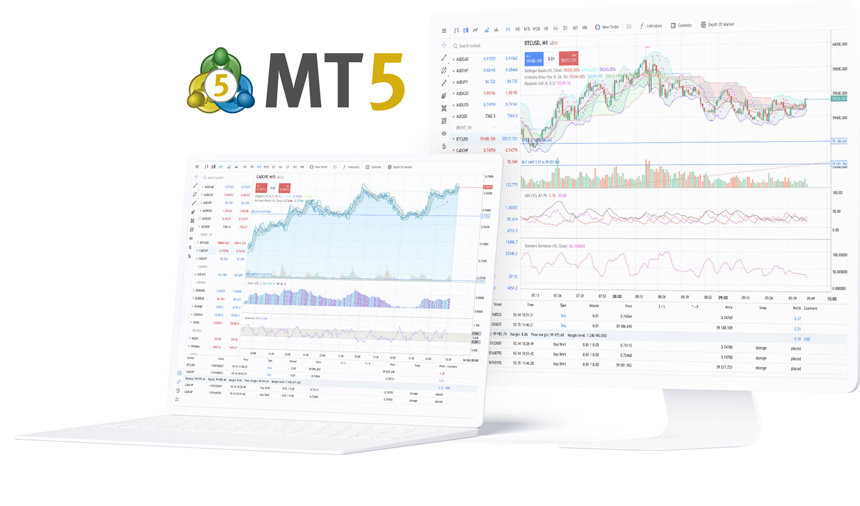
Six pending order types
- MT5 supports Buy Limit, Sell Limit, Buy Stop, Sell Stop, Buy Stop Limit and Sell Stop Limit.
- Stop Loss and Take Profit can define exit levels, while Trailing Stop can move a stop as price changes.
- Whether an order type is available and how close it can be placed to market price depends on the broker and symbol settings.
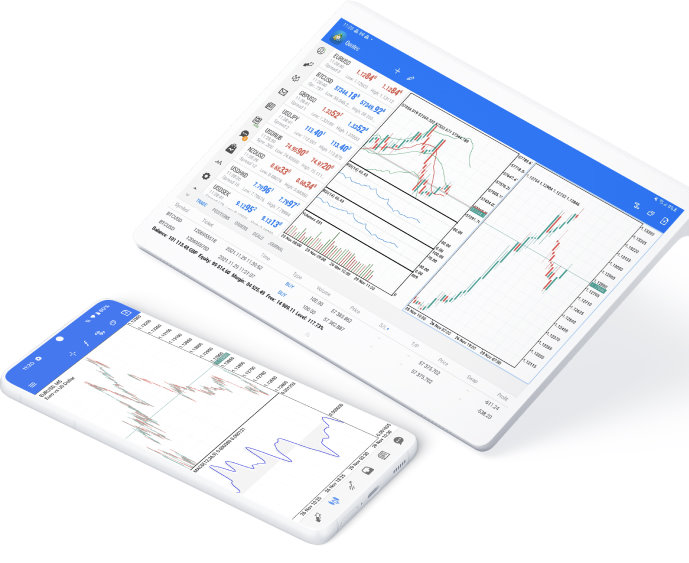
Market Depth and forex order entry
- Market Depth shows the Bid and Ask levels available for a symbol and can also be used as an order-entry interface.
- For OTC forex, the depth can be based on broker quotes rather than a single centralized exchange order book.
- The number of levels shown and the execution behavior available in Market Depth depend on the broker and instrument.
Forex leverage, margin and trading sessions
Position size is only part of forex risk. Leverage, margin, trading hours, liquidity and account equity all affect how much room a trade has to move.
Leverage, margin and available funds
- Leverage increases market exposure relative to account funds and magnifies both gains and losses
- Opening a position uses margin, while unrealized profit and loss continues to change equity and free margin
- Leverage and margin rules can differ by broker, account type and currency pair

Trading sessions, liquidity and volatility
- Asian, European and North American sessions can produce different levels of liquidity and price movement
- Economic releases and central-bank events can increase volatility, slippage and spread changes
- When using alerts, Signals or Expert Advisors, keep checking the server connection and current market conditions
MetaTrader 5 forex trading checklist
Before placing a forex trade, check the pair, Bid/Ask, spread, trading session, account permissions, margin, order type and risk settings.
A consistent checklist helps catch symbol, account and order-setting problems before the request is sent.

Currency pair and trading session
- Check the symbol name, any broker suffix and its visibility in Market Watch
- Confirm the trading session and whether the market is currently open
- Do not assume demo and live accounts provide identical pairs or trading conditions
Bid, Ask and spread
- Check the current Bid, Ask and spread for the selected pair
- Watch for wider spreads around news releases and lower-liquidity periods
- Do not judge entry cost from one chart price alone when Bid and Ask are different
Chart and analysis setup
- Verify the symbol, timeframe and historical data before analysis
- Keep chart templates and indicator settings consistent when comparing sessions
- Treat technical signals as analysis inputs rather than guaranteed outcomes

Order type and protective levels
- Choose a market order or one of the six MT5 pending order types
- Check whether pending prices and stop levels satisfy the broker’s minimum-distance rules
- Confirm direction, volume and price settings before sending the request
Leverage, margin and account risk
- Review balance, equity, used margin, free margin and margin level
- Size the trade with both stop distance and account risk in mind
- Allow for slippage, spread expansion and fast price movement around volatile events
Position management and trade review
- Know whether the account uses netting or hedging before managing multiple trades in the same pair
- Review execution price, volume, fees, Stop Loss, Take Profit and order history
- If an EA or Signal is involved, keep checking logs, connection status and strategy behavior
Whether you trade from desktop, WebTerminal or mobile, the same core checks still apply: account, currency pair, prices, spread, margin, order settings and risk controls.
MetaTrader 5 forex trading FAQ
Direct answers about forex pairs, spreads, pending orders, Market Depth and netting versus hedging in MT5.